Protect your personal information
Don't share passwords, school login codes, your home address, telephone number, live location, photos of school ID cards or other private details. Tell a trusted adult if a website or person asks for these.
Open Learning for Education
One learning space for teachers and pupils. Share lesson materials, assign homework and review progress alongside classroom teaching.
School-approved accounts only. Pupils see their teacher’s name on lessons and homework. This is classroom support, not a remote classroom.
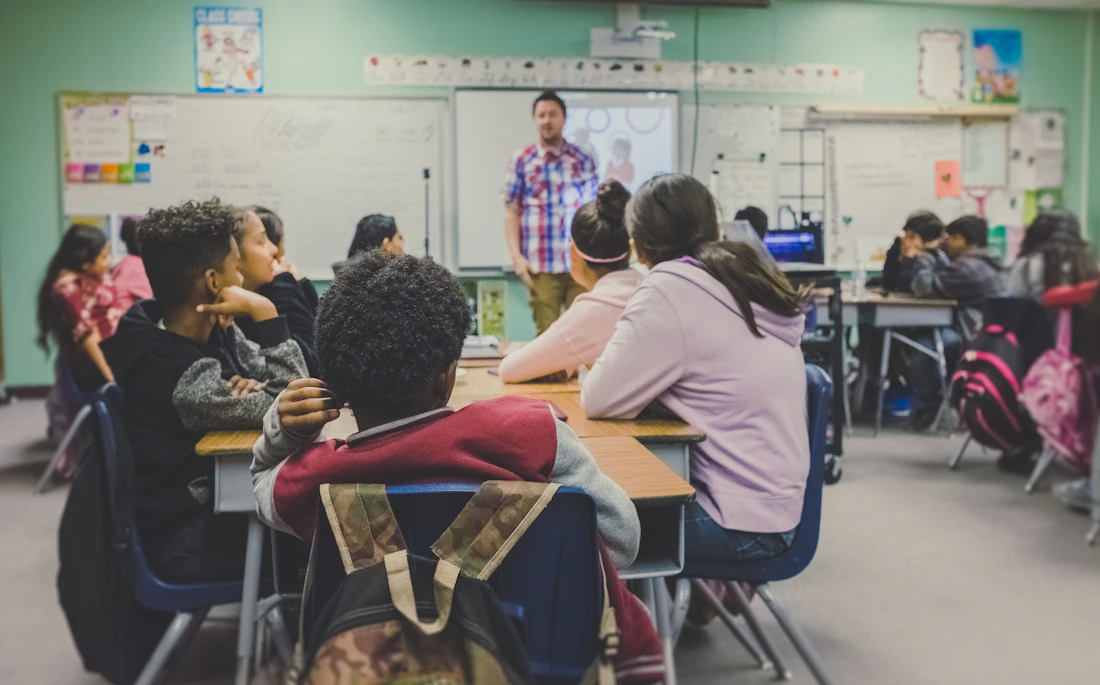
Featured learning pathway
Learn Python, JavaScript, web development, SQL, TypeScript and artificial intelligence with practical lessons, exercises, and AI code review.
Online safety education
Seven guided lessons covering phishing, bullying, passwords, privacy, misinformation and AI safety, with practice scenarios and a question-and-answer assistant.
New · Learn English
Ten structured lessons in grammar, spelling, punctuation, reading comprehension and creative writing. Pupils type their answers and get supportive AI feedback that explains how to improve—not just an automatic rewrite.
Voice remains optional for accessibility. Teachers assess work and decide pass marks.
Organise your school, approve staff access and review pupil progress.
Create lessons, assign homework, provide feedback and check pupil work.
Find lessons and homework, hand in work and see teacher feedback.
Opt-in school rankings for local area, town and country. Results use teacher-assessed passes per approved pupil, not personal pupil information. At least five approved pupils are required. School locations and identity are not independently verified yet, so rankings are provisional.
Free independent learning
Free English, maths, science and digital skills lessons for anyone who needs them. Study at your own pace without joining a school. Computer basics, keyboard shortcuts, writing practice and career guidance included.
Explore free learning →Open Learning · Informal learning support, not an accredited school.
Learn about artificial intelligence
Explore short lessons on how AI works, ask the AI tutor for explanations and practise safe, responsible use of technology.
Six mini-lessons, each with a clear explanation and a practical takeaway.
Ask about school subjects, explain a difficult idea, get examples or practise a topic.
AI answers can be wrong or incomplete. Double-check facts with your teacher, textbooks or trusted sources. Never enter private information about yourself or classmates.
Essential digital safety habits for school, home and everyday browsing.
Don't share passwords, school login codes, your home address, telephone number, live location, photos of school ID cards or other private details. Tell a trusted adult if a website or person asks for these.
Be careful with urgent messages, giveaways, unexpected downloads or links asking you to log in. Check the website address and ask your teacher before opening anything suspicious.
Treat people respectfully online. Don't respond to threats or harassment. Save evidence where safe, block the person and report it to a teacher, parent or trusted adult.
AI sometimes makes mistakes, invents sources or sounds certain when it isn't. Compare important answers with textbooks, your teacher and reliable websites. Never use AI as your only source.
Pictures, messages and posts can be copied and shared. Ask permission before sharing someone else's photo or work, and keep school discussions within approved groups.
Ask for explanations, worked examples and practice questions. Try the homework yourself and follow your school's rules for AI-assisted work.
If something online makes you feel unsafe, stop interacting and speak to a teacher, parent or another trusted adult.
Sign in and select your approved school. The school leadership team manages memberships.
Ask questions, get learning guidance and speak to your AI buddy.
Need help creating your school, logging in or managing lessons? Chat with GABBii school support.